


Secure Cloud Computing for Medical and Dental Practices

June 5, 2026

Share this article

Cloud technology has changed how medical and dental practices operate. Patient records are accessible from anywhere, teams can collaborate more efficiently, and backups no longer rely on a single server sitting in a back office.

But healthcare cloud computing also comes with a different level of responsibility.

Medical and dental practices handle sensitive patient information every day. That means cloud systems cannot just be convenient. They also need to be secure, reliable, and HIPAA compliant.

Secure cloud computing is absolutely achievable for healthcare organizations. In 2026, the challenge is less about whether practices should use the cloud and more about whether they’re using it correctly.

What Secure Cloud Computing Means for Healthcare Practices

Secure cloud computing refers to storing, accessing, and managing healthcare data through cloud-based systems while maintaining HIPAA compliance.

For medical and dental practices, this often includes:

  • Electronic health records (EHR/EMR)
  • Cloud backups and file storage
  • Dental imaging systems
  • Patient portals and scheduling software
  • Billing and insurance platforms

The cloud itself is not inherently risky. In many cases, modern cloud infrastructure is more secure than outdated on-premise servers. Problems usually happen when systems are poorly configured or left without ongoing security oversight.

How Secure Cloud Computing Supports HIPAA Compliance

One of the biggest misconceptions surrounding healthcare cloud services is that cloud computing automatically creates HIPAA problems. It doesn’t.

HIPAA allows medical and dental practices to use cloud providers as long as the right safeguards are in place. That usually includes encryption, access controls, audit logging, secure backups, and vendor agreements.

Most Healthcare Cloud Security Problems Start With Access Issues

When healthcare systems are compromised, the cause is often surprisingly simple: an employee reused a weak password, multi-factor authentication was never enabled, or a former staff member still had access to patient systems after leaving the practice.

These small gaps are some of the biggest causes of healthcare cybersecurity incidents.

That’s why identity and access management plays such a major role in secure cloud computing for medical and dental practices. Strong cloud security depends on limiting access to the right people while making it harder for unauthorized users to get in.

Common Healthcare Cloud Security Risks for Medical and Dental Practices

When you step back, most healthcare cloud security issues fall into a few predictable categories:

  • Weak passwords and missing MFA
  • Unsecured backups and outdated systems
  • Phishing attacks and vendor security gaps

These problems rarely appear all at once. They build gradually over time through small operational gaps and overlooked maintenance.

Once practices recognize those patterns, cloud security becomes much easier to manage.

Secure Cloud Computing Helps Practices Stay Operational

Healthcare cloud security is more than just compliance—it’s stability.

Medical and dental practices need systems that remain secure, accessible, and reliable even during unexpected disruptions. A properly managed cloud environment helps protect patient information while keeping the practice running smoothly day after day.

For healthcare organizations looking to improve security and simplify IT management, tech42 helps medical and dental practices stay secure, compliant, and connected in the cloud. Reach out to us to get started!

Information Technology Insights & News 

From Your IT Team In Scranton & Wilkes-Barre

By Doug Griffiths August 11, 2026
Older office hardware can hurt security, productivity, and reliability before it fails. Learn the warning signs and when to plan your next upgrade.
By Rachel Cunningham July 10, 2026
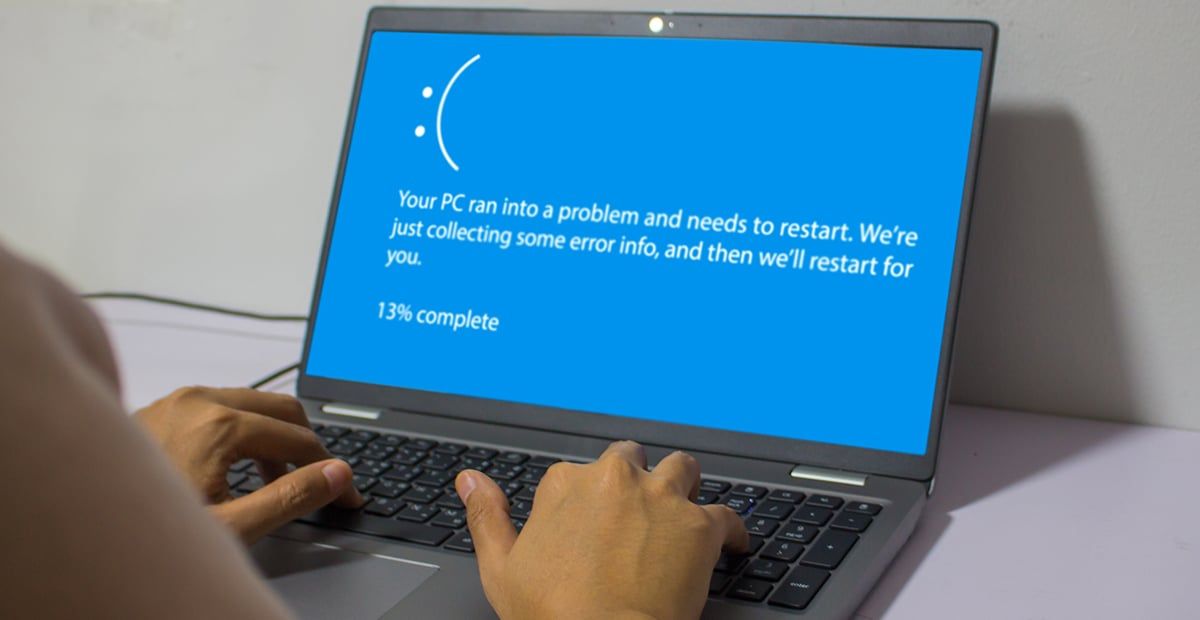
Why does restarting a device fix so many tech problems? Learn how reboots clear temporary issues, restore performance, and improve reliability.
By Rachel Cunningham May 8, 2026
MFA fatigue attacks trick users into approving repeated login requests. Learn how it works, and what to do if you receive suspicious authentication prompts.