
Spring Cleaning for Your IT: A Routine IT Maintenance Checklist

March 26, 2025

Share this article

Spring is the perfect time to clear out the clutter – not just in your office, but in your IT systems, too. Just like a well-organized workspace leads to better productivity, a properly maintained IT infrastructure keeps your business running smoothly and securely.

At Tech42, we help our clients maintain their systems year-round, ensuring optimal performance, security, and efficiency. Whether you’re under a managed IT agreement or handling maintenance in-house, here are some best practices to keep your IT environment in top shape this season.

  1. Update Software and Security Patches

Outdated software is one of the biggest security risks businesses face. Regularly updating your operating system, applications, and security tools helps prevent cyber threats and ensures you’re benefiting from the latest performance improvements. Don’t forget third-party applications – they need updates, too.

  1. Clean Up Your Disk and Remove Clutter

Unused applications, old user profiles, and obsolete data can slow down your system and take up valuable storage. Conduct a digital decluttering by:

  • Uninstalling software that is no longer needed.
  • Deleting outdated files and organizing data storage.
  • Clearing browser caches and temporary files to boost performance.
  • A clean system isn’t just about storage – it improves overall efficiency and security by removing unnecessary vulnerabilities.

  1. Back Up Your Data (and Test Your Backups!)

Having a backup is essential, but a backup that doesn’t work is useless. Regularly back up important business data and test recovery processes to ensure everything is retrievable in case of:

  • Accidental deletion.
  • Cyberattacks, such as ransomware.
  • Hardware failures or data corruption.
  • Tech42 helps businesses implement automated, secure, and reliable backup solutions so critical information is always protected.

  1. Conduct Hardware Inspections and Maintenance

IT equipment isn’t built to last forever. Spring cleaning should include a physical check of all hardware to identify potential failures before they cause downtime. Look for:

  • Signs of wear and tear on computers, cables, and networking equipment.
  • Dust buildup inside computers and servers that can lead to overheating.
  • Aging hardware that may need an upgrade before it fails unexpectedly.
  • Proactive maintenance can extend the life of your IT investments and help you plan for replacements before a crisis occurs.

  1. Review User Permissions and Password Security

Over time, employees change roles, new accounts are created, and access permissions can become outdated. Reviewing user permissions ensures that only authorized personnel have access to sensitive data.

Take the time to:

  • Remove old or inactive accounts.
  • Adjust access levels for employees who have changed roles.
  • Strengthen password policies by enforcing multi-factor authentication (MFA) and requiring strong, unique passwords across all accounts.

  1. Refresh Cybersecurity Training for Employees

Cyber threats are always evolving, and your employees are your first line of defense. Even the best IT security measures can fail if employees aren’t trained to recognize threats.

Consider running phishing simulations to test their ability to spot malicious emails and provide training on:

  • Recognizing common cyber threats like phishing and social engineering.
  • Safe browsing habits and proper email security.
  • Incident reporting procedures for suspected breaches.

A Clean IT System is a Secure IT System

Just like tidying up your office, IT maintenance should be a routine habit, not a once-a-year task. Keeping your systems updated, organized, and secure will boost efficiency, reduce downtime, and protect your business from cyber threats.

If your business could use a proactive IT partner to handle these maintenance tasks for you, Tech42 is here to help. Contact us today to learn how our managed IT services can keep your business running at its best – this spring and beyond.


Information Technology Insights & News 

From Your IT Team In Scranton & Wilkes-Barre

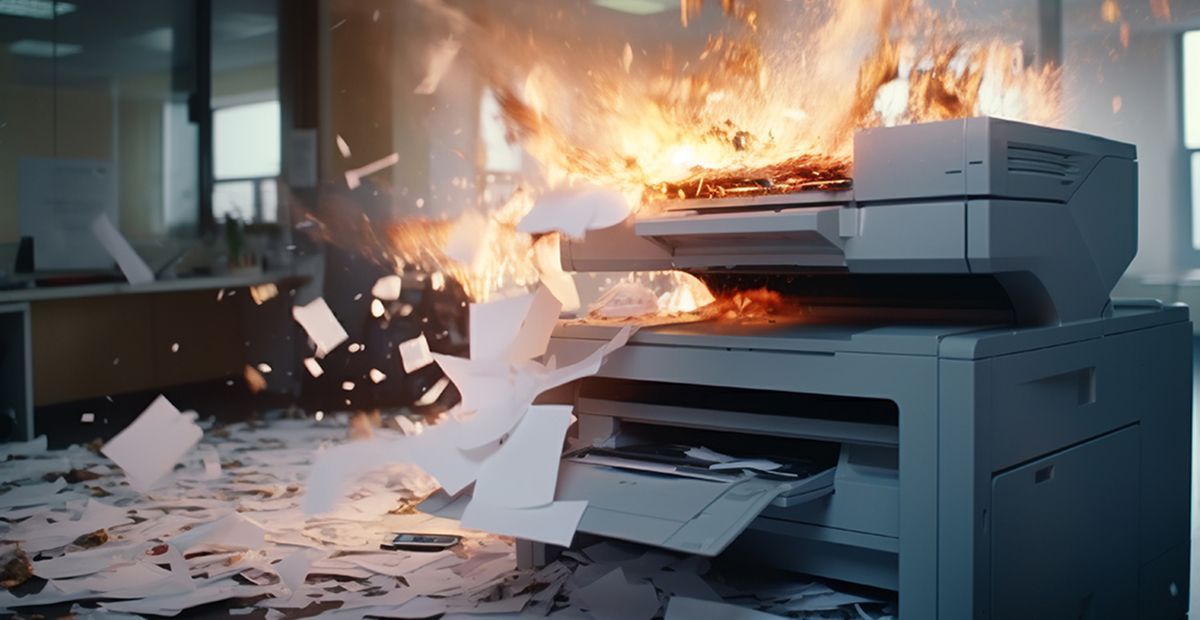
Office printer engulfed in flames, paper scattered across the floor, with smoke and sparks in a workspace
September 8, 2026
Most printer issues fall into a few predictable categories. Learn to spot the pattern and troubleshoot connection, queue, and quality problems fast.

By Doug Griffiths August 11, 2026
Older office hardware can hurt security, productivity, and reliability before it fails. Learn the warning signs and when to plan your next upgrade.
By Rachel Cunningham July 10, 2026
Why does restarting a device fix so many tech problems? Learn how reboots clear temporary issues, restore performance, and improve reliability.