

Tech Troubleshooting 101: Quick Fixes for Common IT Problems

April 25, 2025

Share this article

We’ve all been there: your computer freezes, the printer won’t connect, or your email refuses to send, right when you need it most.

Before you panic (or call your IT provider in a flurry of frustration), try these quick fixes for the most common office tech issues.

1. Computer Won’t Turn On

Check the basics first:

  • Is it plugged in? (Yes, we had to ask.)
  • Try a different power outlet.
  • Remove the battery (if possible) and hold the power button for 10 seconds.

If it still won’t boot, it could be a hardware issue – time to bring in the pros.

2. Slow Computer

Possible culprits:

  • Too many programs running at once
  • A full hard drive
  • Malware or outdated software

Quick fix: Restart your computer, close unnecessary programs, and run a virus scan. Still sluggish? It might be time for a memory upgrade.

3. WiFi or Internet Not Working

First, try turning your router off and on again (classic, but effective).
Then:

  • Make sure you’re connected to the correct network.
  • Restart your device.
  • Test another device to see if the issue is with your network or just your laptop.

4. Password Reset Panic

Can’t log in? Don’t worry – it happens to the best of us.

  • Look for a “Forgot Password” link and follow the prompts.
  • Use a password manager to keep track in the future.
  • If your account has MFA (multi-factor authentication), keep your device handy to verify the reset.

5. Printer Problems

Check:

  • Paper jams
  • WiFi connection
  • Printer queue (clear it out and try again)

Still nothing? Restart the printer. If you’ve got a networked office printer, it could be a driver or server issue.

6. Email Won’t Send

Check:

  • File attachment size limits
  • Internet connection
  • Email server status (sometimes it’s them, not you)

Still stuck? Try sending from a mobile device or webmail.

7. The Dreaded Blue Screen of Death

Don’t panic (yet.)

  • Restart your computer and note the error code if it comes back.
  • Update your drivers and Windows software.
  • It could be a hardware failure or memory issue, so call tech42 if it keeps happening.

When It’s Time to Call for Backup

Some issues are easy to fix. Others… not so much. If these quick fixes don’t work, or if problems keep coming back, that’s your sign to bring in the IT cavalry (aka us).

Need help? tech42 is ready to troubleshoot, upgrade, or take the whole tech burden off your plate.

Information Technology Insights & News 

From Your IT Team In Scranton & Wilkes-Barre

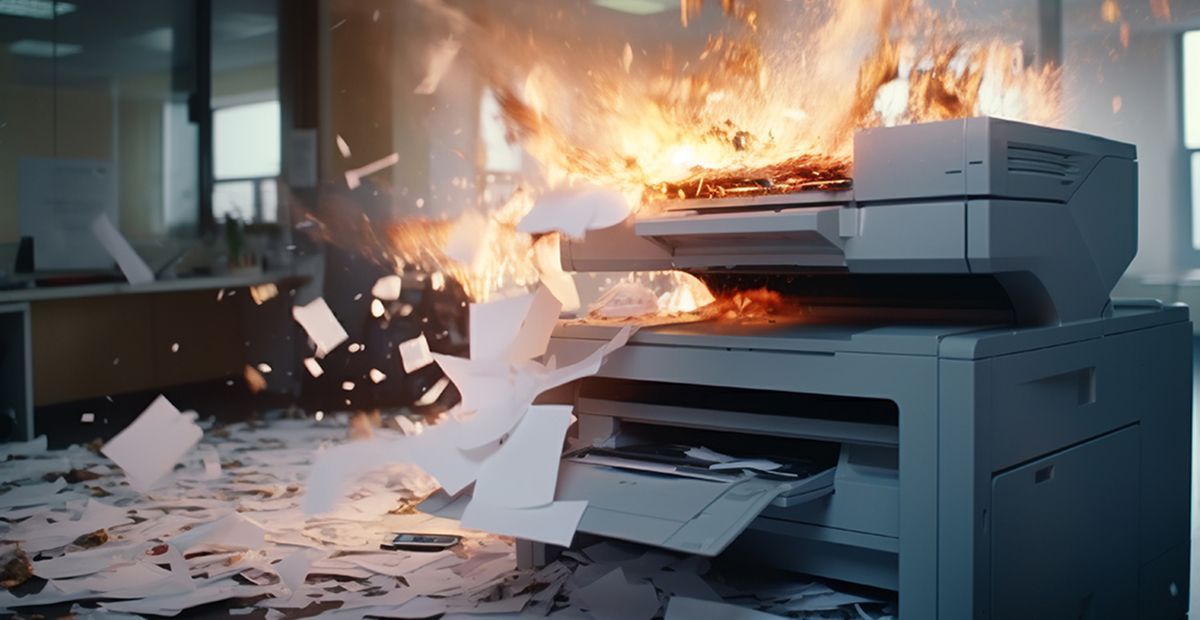
Office printer engulfed in flames, paper scattered across the floor, with smoke and sparks in a workspace
September 8, 2026
Most printer issues fall into a few predictable categories. Learn to spot the pattern and troubleshoot connection, queue, and quality problems fast.

By Doug Griffiths August 11, 2026
Older office hardware can hurt security, productivity, and reliability before it fails. Learn the warning signs and when to plan your next upgrade.
By Rachel Cunningham July 10, 2026
Why does restarting a device fix so many tech problems? Learn how reboots clear temporary issues, restore performance, and improve reliability.